
Boulevard vs Fade In
Updated September 26, 2026
Both are serious one-time desktop apps for solo screenwriting. The fork is what happens before anyone pays: Boulevard offers five local documents and a clean PDF on Free, then a one-time Premium unlock. Fade In is a trusted full editor at $79.95 once — including Linux — with a watermarked demo until purchase. Writers who already own Fade In should keep it; writers who need a clean free export will start elsewhere.
Two desktop apps, one real difference
Neither product is chasing live writers’-room collab as its center. Both want a writer alone with a properly formatted page. The practical difference is the free path, the Premium price, Linux, and how much professional interchange each assumes.
Boulevard
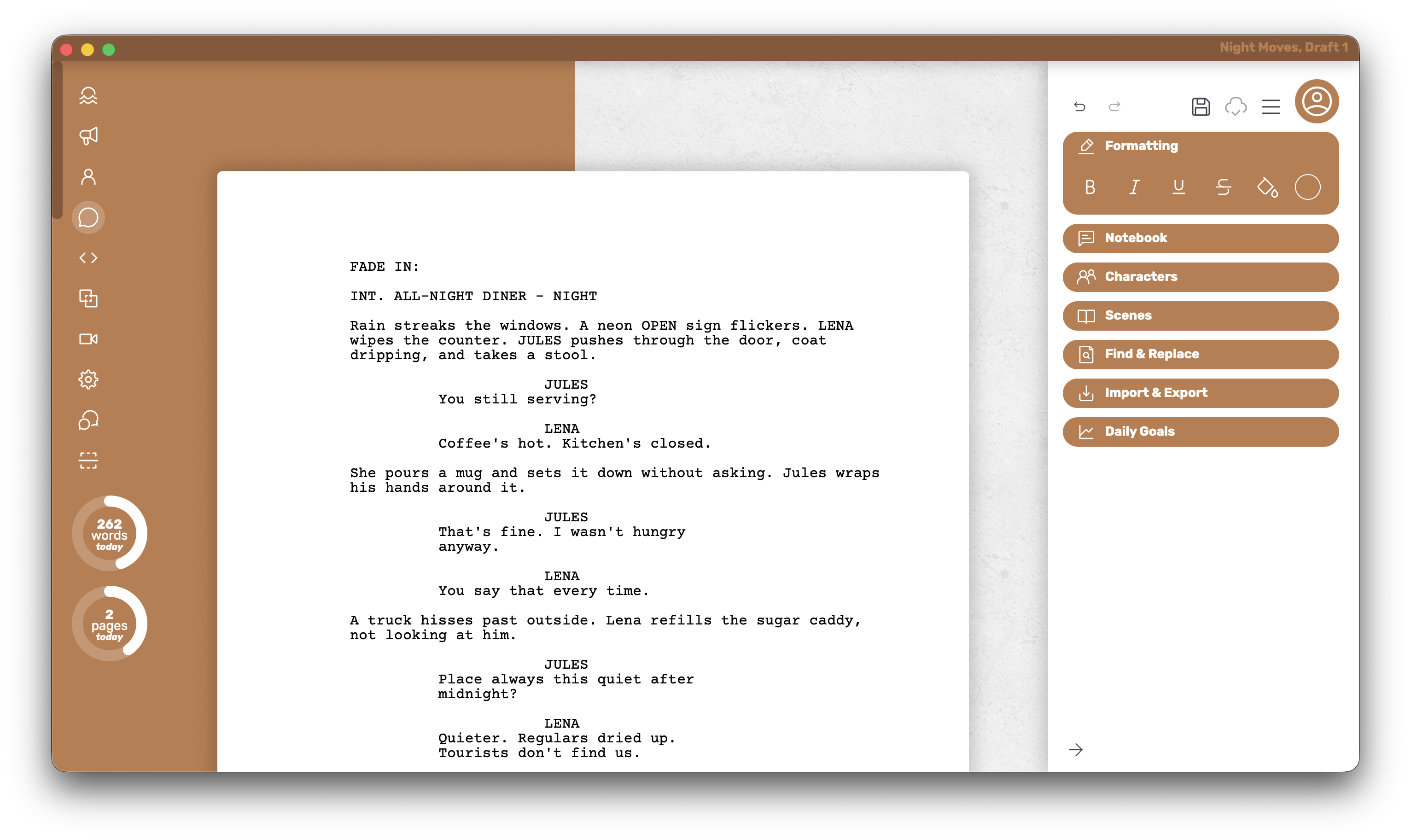
Boulevard focuses on the writing experience so the editor feels finished without unlocking a paywall first. The on-screen page stays close to the export; the free path includes a clean PDF.
Who it’s for
Writers who want a Mac or Windows desktop app that keeps nearly every writing feature free, exports a clean PDF with no watermark, and offers a one-time Premium path later.
What it does well
- The PDF turns out exactly how it looks in the editor — no guessing what the export will do.
- Stays snappy on long scripts from first scene through the last act.
- Full customization of individual elements is available on Free.
- Intentionally lean and less feature-packed, which keeps drafting quiet and focused.
- Theme colors and dark mode round out the writing surface once Premium is in play.
Where it falls short
There is no Linux build, and deep professional interchange formats are not the product’s focus — PDF is the everyday export. Writers who need Linux, or who already own a license they trust on another one-time desktop app, will look at the other column.
Platform and pricing
Mac and Windows. Free covers five local documents. Premium is $45 once for unlimited documents, cloud save, extra themes, and dark mode.
Fade In
Fade In is a solid one-time desktop app many working writers already own. It is built for serious solo drafting without turning into a collaboration suite or a full production office.
Who it’s for
Experienced solo writers on a machine they control — especially when Linux is required, or when a Fade In license is already owned and working.
What it does well
- A full-featured solo editor without a collab product stacked on top.
- One license covers Mac, Windows, and Linux.
- The demo has no time limit, so the editor can be evaluated thoroughly.
- Broader professional interchange formats than a PDF-first writing tool typically does.
Where it falls short
Demo PDFs stay watermarked until purchase, so there is no clean free export for sharing. Live collab and deep production-suite features are limited compared with tools built for those jobs. Someone who already holds a working license should keep using it rather than switching for its own sake.
Platform and pricing
Mac, Windows, and Linux. The license is $79.95 once.
Glance
Quick facts after the argument above.
| What matters | Boulevard | Fade In |
|---|---|---|
| Free PDF, no watermark | ✓ | × |
| Offline desktop app | ✓ | ✓ |
| Mac + Windows | ✓ | ✓ |
| Linux | × | ✓ |
| One-time purchase path | $45 Premium | $79.95 |
| Free everyday writing plan | 5 local docs | Watermarked demo |
How to choose
- Choose Fade In if Linux is required, a Fade In license is already owned and working, or broader professional interchange formats matter more than a clean free PDF.
- Choose Boulevard if the start needs a clean free export, nearly all writing features available without a watermarked demo in the way, and a $45 one-time Premium path later on Mac or Windows.